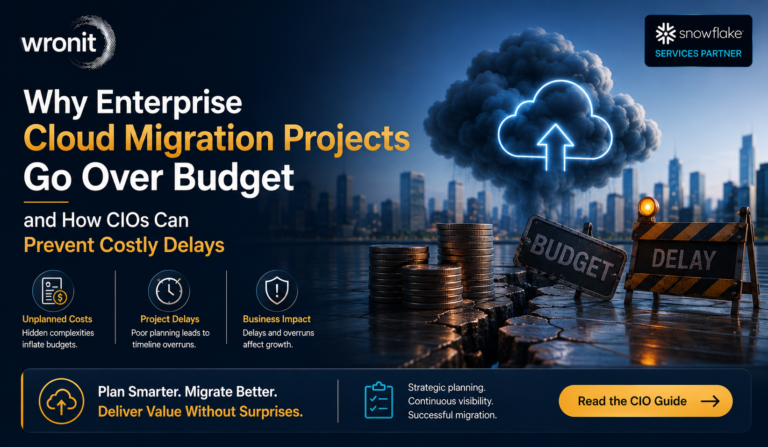
For many companies, the question is not “if” but “when” to move to the cloud. The difficulty isn’t understanding the benefits of cloud technology. Most decision-makers already know that cloud platforms offer better scalability, more robust backup options, and greater flexibility than traditional infrastructure. The challenge is to move critical systems without impacting customers, employees, or day-to-day operations.
This is when a well-planned approach to cloud migration becomes important. You can’t just move applications and turn off old servers and hope that everything works. Critical applications, customer data, internal tools, and business processes must continue to run during the transition.
The successful migration is almost invisible to the user. The business keeps running, the underlying technology changes, employees keep doing their jobs, and customers keep accessing services.
You don’t get that kind of continuity by accident. This is the outcome of sound planning, testing, and choosing the right migration method.
Start With Understanding What You Already Have
One of the biggest mistakes companies make is to focus on the destination without understanding the current environment.
Before teams begin to plan to move to the cloud infrastructure, they need to know what they are running today.
A standard review includes:
- Which are business-critical applications
- Where vital data is stored
- Which systems rely on each other
- The applications require computing power
- What security requirements need to be maintained
Many older applications have hidden dependencies. An internal reporting tool may rely on a specific database, making database migration more complex. Identifying these connections early helps prevent costly migration issues.
Knowing these details early on will prevent surprises during migration.
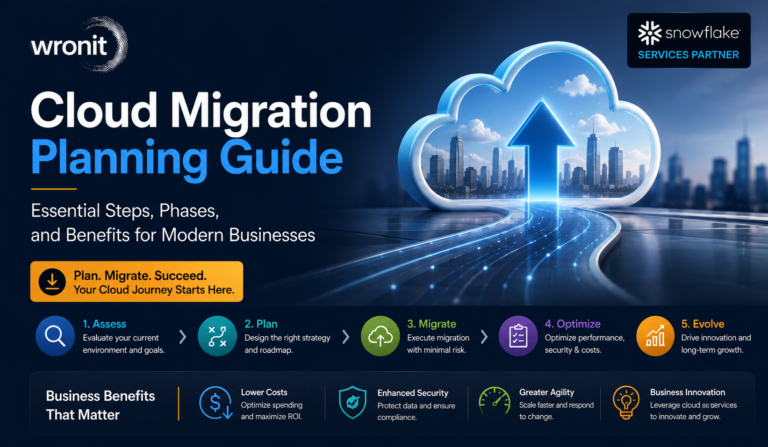
Any successful cloud migration strategy is based on a proper assessment.
Choosing the Right Migration Approach
There’s no one-size-fits-all way of moving everything to the cloud. What is right depends on a company’s goals, the technology they have in place, their budget and timeline.
Some organisations need to transition quickly because their current infrastructure is becoming costly to maintain. Some want to completely re-haul the applications and re-design them to do better.
Typical approaches are:
Use Existing Applications As They Are
This is also called lift and shift. You move workloads with minimum changes. It’s often a good solution for companies that want to rapidly move away from ageing hardware.
Improving Applications at Migration
Some companies use the opportunity to upgrade applications when moving them. This is more work to plan but can lead to better long-term efficiency.
Developing Cloud Native Applications
For organisations with aspirations to grow in the future, building cloud-native applications from the ground up may provide more flexibility. A professional cloud migration consulting team typically evaluates workloads on a case-by-case basis rather than forcing all applications into the same migration plan.
Why a Phased Migration Is Often a Better Approach
Most companies think of migration as a one-time event: everything is moved on a certain date, and the company starts operating in the cloud immediately.
That is a dangerous way to go.
Phased migration reduces pressure by migrating systems gradually.
For example, a company might start with internal apps that have less impact on the business. Once the team has verified that the process is working, they can move to customer-facing systems and more sensitive workloads.
There are some advantages to this method:
- Problems identified earlier
- Teams get to know the new environment
- Less customer disruptions
- More manageable migration risks
This method is particularly useful in large organisations, where technology environments are typically too complex to manage in a single migration event.
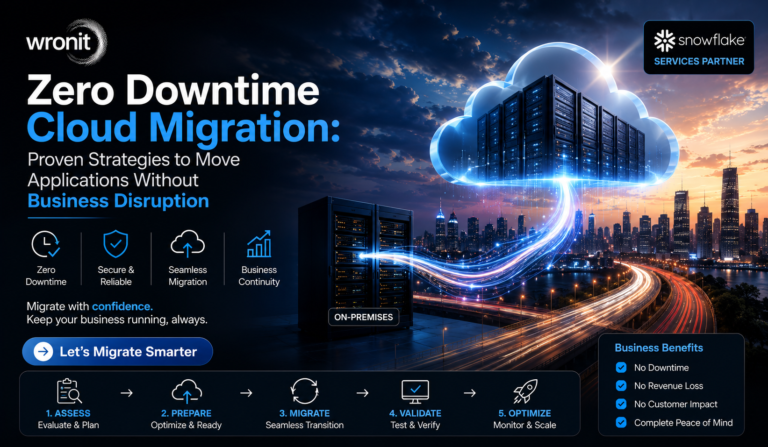
How Companies Achieve Minimal Downtime During Migration
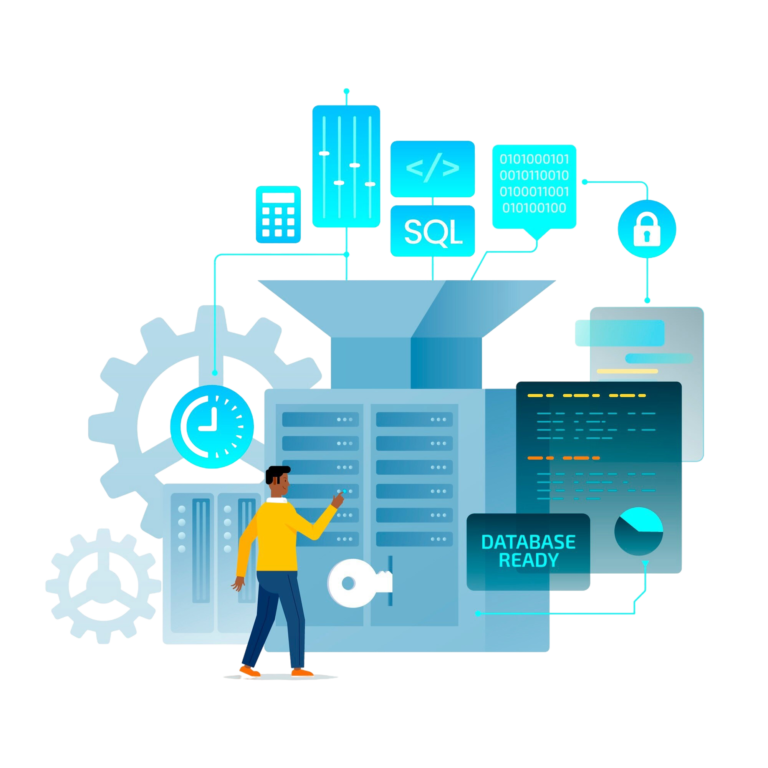
The hardest technical problem is to move data while the existing systems are still operating.
Replication is key here.
Instead of recreating everything after decommissioning the old environment, data engineering teams build a bridge between current systems and the new cloud environment.
Data is synchronised until the new environment is prepared.
The last transition often includes:
- Verifying that the last data was transferred properly
- Checking that applications are working correctly
- Redirecting users to the cloud environment
- Post-switch performance monitoring
The user may not even notice the change, other than a performance improvement.
Testing Is Where Successful Migrations Are Built
A migration should never be considered complete immediately after data transfer.
The new environment needs real testing.
Teams typically check:
- Application speed
- User permissions
- Database performance
- Security settings
- Backup recovery
- Third-party connections
Testing also helps answer practical questions.
Will employees access systems the same way?
Will customers experience the same website performance?
Will automated processes continue running?
These details matter because a technically successful migration can still fail if users experience problems afterward.
Cloud Security Needs Attention Before, During, and After Migration
Some companies think that moving to a large cloud provider solves all their security problems. Cloud platforms offer powerful security tools, but they still need to be properly configured.
A good cloud security plan typically includes:
- Access control policies
- Encryption of data
- User authentication
- Computer security
- Continuous surveillance
Security requirements for US organisations handling sensitive information can also incorporate industry norms and compliance standards.
Don’t tack security on after the move is done; it should be part of the migration planning from day one.
Role of Cloud Migration Service
Many organisations prefer to work with experienced cloud migration service providers because migration is more than just a technical move.
A trusted partner can help with:
- Migration planning
- Design of cloud architectures
- Application Review
- Security setup
- Performance tuning
The value of an experienced partner is often seen in unexpected situations. Experience helps teams solve problems faster when things don’t go as planned.
A good provider also supports you post-migration by monitoring performance and ensuring that the cloud environment continues to meet business needs.
Mistakes That Can Make Cloud Migration More Difficult
- Even well-funded projects can go awry if fundamental planning is ignored.
- A common mistake is to move apps without checking compatibility. Some systems need to be updated before they will work correctly in the cloud.
- Another problem is ignoring long-term costs. Cloud services are flexible, but they can also be expensive if you have unused resources, faulty configurations, or poor monitoring.
- Another area that companies sometimes underestimate the work required is security. Cloud platforms are secure, but every organisation needs policies and controls for access.
- And finally, employee adoption is often overlooked. “The new technology works best when the users know how it helps them in their daily work.
What Businesses Gain After Moving to the Cloud
A successful migration changes more than just where applications are hosted.
Companies often gain:
- Greater flexibility: Resources can be adjusted as demand changes.
- Improved reliability: Cloud environments offer more robust backup and recovery options.
- Faster growth: Teams can launch and improve services without waiting for hardware upgrades.
- Improved remote access: Employees can securely work from different locations.
- Reduced infrastructure pressure: Internal IT teams spend less time managing physical servers.
These benefits are why organizations across the US continue investing in cloud modernization.
Conclusion
Cloud migration is more than simply choosing a cloud vendor and moving data. Usually it’s preparation that makes the difference between a successful project and a disruptive one.
A well-thought-out cloud migration plan considers applications, data, security, employees, and future business goals together. With the right approach, companies can migrate applications to cloud environments with minimal downtime.
If your organisation is planning an AWS migration, Azure migration or broader cloud modernisation, don’t just focus on completing the move. It’s about creating a strong cloud foundation that will grow with you for years to come.
FAQs
- Cloud migration without downtime? Seriously?
Yes. Many organisations have achieved zero or minimal downtime migration with proper planning, replication tools, testing, and a controlled transition process.
- What is the duration of cloud migration?
The timeline will depend on application complexity, data size, and migration approach. Smaller environments might take weeks, and larger enterprise migrations could take several months.
- Does cloud migration cost a lot?
The cost will depend on the size of the infrastructure, applications, and services you need. Proper planning often helps companies to avoid unnecessary expenses.
- Not all applications should go to the cloud.
Not necessarily. Some apps might need to be modernised first, and some apps might stay in the existing environments as part of a hybrid strategy.
- How does Data Analytics improve cloud migration outcomes?
Data Analytics helps businesses understand application performance, monitor workloads, identify optimization opportunities, and make informed decisions before and after cloud migration.
#Migrate to Cloud#Migrate to Cloud Without Downtime
ABOUT THE AUTHOR
AUTHOR
With 13+ years of experience in enterprise technology, AI, Machine Learning, Data Engineering, Cloud, Automation, and Software Product Development, he helps businesses and startups turn complex technology challenges into scalable